Graphic Design Tips for Beginners: 15 Essential Tips to Improve Your Designs
Graphic design is much more than making things look attractive. Every successful design communicates a message, solves a problem, and captures the attention of its intended audience.
Many beginners focus on learning software like Photoshop, Illustrator, or CorelDRAW, but great design starts with understanding the principles behind effective visual communication. Software is simply the tool; your creativity and understanding of design principles are what make your work stand out.
If you're just beginning your graphic design journey, these practical tips will help you build a strong foundation and improve your skills faster.
1. Learn the Principles of Design First
Before worrying about advanced effects or complex tools, understand the basic principles of design.
These include:
Alignment
Contrast
Balance
Repetition
Proximity
Hierarchy
White Space
Emphasis
These principles guide every professional design and help create layouts that are visually appealing and easy to understand.
2. Keep Your Designs Simple
One of the most common mistakes beginners make is trying to include too many elements in one design.
A simple design is often more effective than a crowded one. Remove anything that doesn't contribute to the main message and focus on clarity.
Remember, less is often more.
3. Choose Fonts Carefully
Typography plays a major role in graphic design.
Avoid using too many fonts in a single project. In most cases, two or three complementary fonts are enough.
Choose fonts that are readable and appropriate for your audience and purpose.
4. Use High-Quality Images
Poor-quality images can ruin an otherwise excellent design.
Whenever possible, use high-resolution images and graphics. Sharp, professional visuals instantly improve the overall quality and credibility of your work.
5. Understand Colour Theory
Colours influence emotions and communicate meaning.
Learn how different colours work together and how they affect your audience.
For example:
Blue often represents trust and professionalism.
Green is associated with growth and nature.
Red communicates urgency, passion, or excitement.
Yellow conveys optimism and energy.
Using colour intentionally strengthens your design.
6. Pay Attention to Alignment
Alignment gives your design structure and organisation.
Every element should appear to belong where it is placed. Randomly positioned objects create confusion and make designs look unprofessional.
Using grids and guides can help maintain consistent alignment.
7. Create Visual Hierarchy
Not every piece of information should receive equal attention.
Guide your audience's eyes by making the most important information stand out through:
Larger font sizes
Bold typography
Contrasting colors
Strategic placement
White space
A clear hierarchy improves readability and communication.
8. Use White Space Effectively
White space, also called negative space, is the empty area between design elements.
It helps reduce clutter, improves readability, and gives your design a clean, professional appearance.
Don't feel the need to fill every space.
9. Practice Consistently
Graphic design is a practical skill that improves with repetition.
Challenge yourself by recreating professional designs, experimenting with different layouts, and completing personal projects.
The more you design, the better you'll become.
10. Learn the Right Software
Professional designers use different tools depending on the project.
Popular design software includes:
Adobe Photoshop
Adobe Illustrator
CorelDRAW
Canva
Figma
Focus on mastering one tool before moving on to another.
11. Study Great Designs
One of the fastest ways to improve is by observing professional work.
Analyse advertisements, websites, logos, packaging, social media graphics, and branding materials.
Ask yourself questions such as:
Why does this design work?
What catches my attention first?
How are colours used?
What fonts were chosen?
How is the layout organised?
Learning from great designers accelerates your growth.
12. Accept Feedback
Every designer receives constructive criticism.
Don't view feedback as discouragement. Instead, use it as an opportunity to identify areas for improvement and develop your skills.
Professional designers continue learning throughout their careers.
13. Build a Strong Portfolio
Your portfolio demonstrates your abilities better than a certificate alone.
Include projects such as:
Logo designs
Social media graphics
Flyers
Posters
Business cards
Brand identity designs
Website mockups
Product packaging
A strong portfolio increases your chances of attracting clients and employers.
14. Stay Updated with Design Trends
Design trends evolve.
While it's important to understand current trends, don't rely on them completely. Focus on timeless design principles while incorporating modern styles where appropriate.
Continuous learning keeps your work fresh and competitive.
15. Learn from a Structured Course
Many beginners struggle because they learn random tutorials without a clear progression.
A structured graphic design course provides:
Step-by-step lessons
Practical projects
Industry best practices
Professional guidance
Real-world assignments
Continuous skill development
This approach helps you learn efficiently and avoid common beginner mistakes.
Final Thoughts
Becoming a great graphic designer doesn't happen overnight. It requires patience, practice, creativity, and a willingness to keep learning.
Focus on mastering the fundamentals before chasing advanced techniques. Every project you complete builds your confidence and strengthens your portfolio.
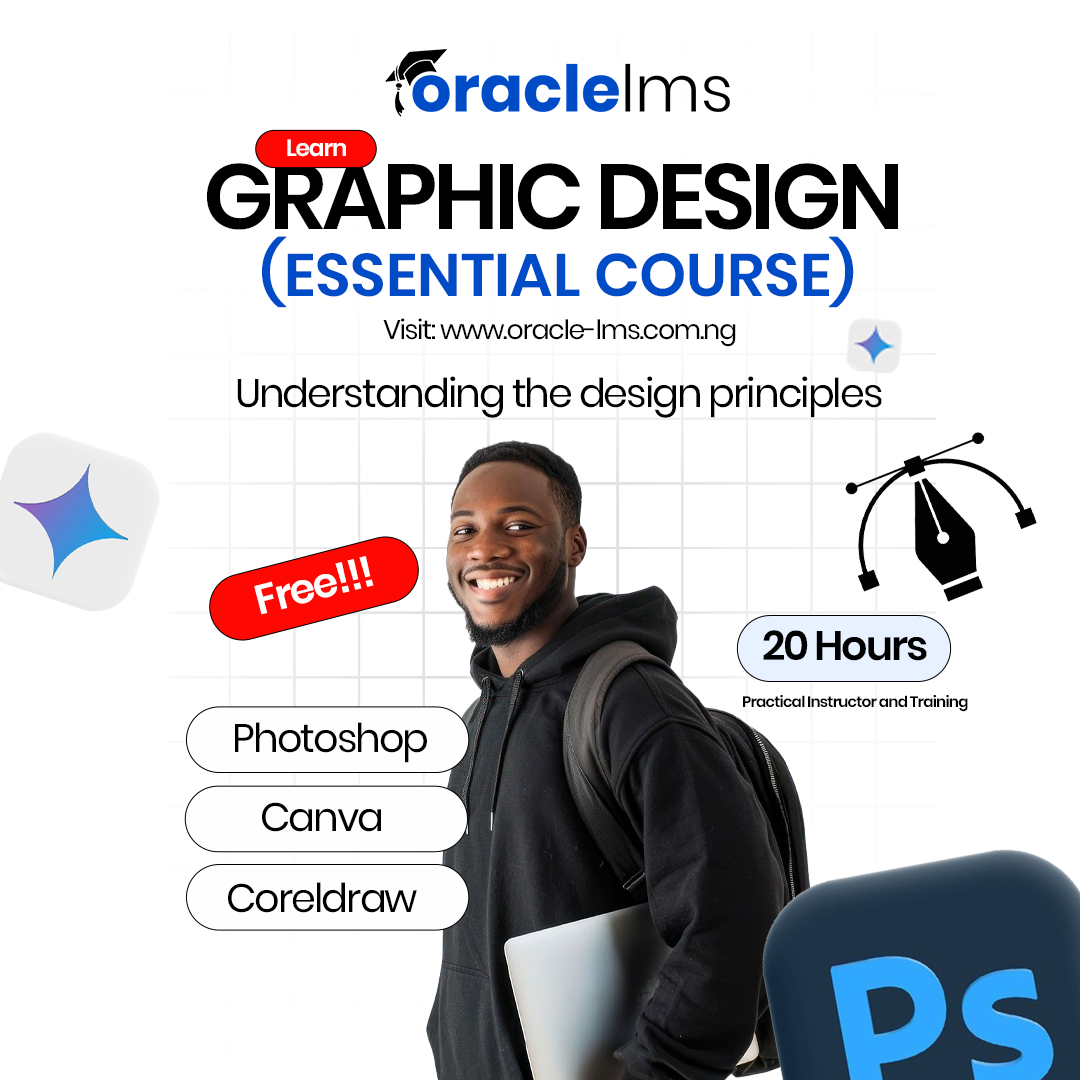
At Oracle LMS, our graphic design courses are designed for beginners who want practical, hands-on training using industry-standard tools like Photoshop, Illustrator, CorelDRAW, and Canva. Whether you're learning for a career, freelancing, or growing your business, we're here to help you develop the skills needed to succeed.
Start creating, keep practising, and let every design bring you one step closer to becoming a professional graphic designer.
Related Articles